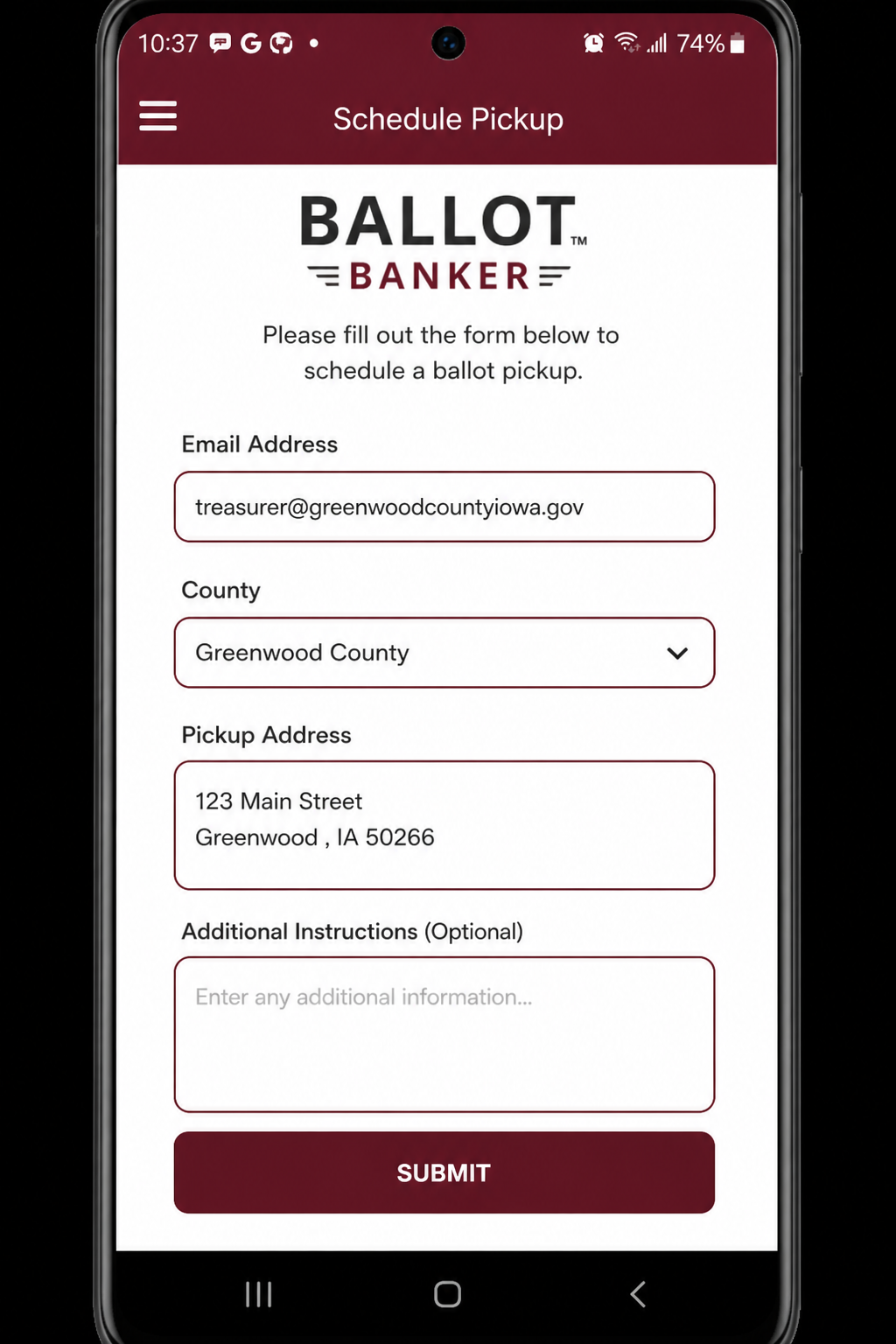
1. A voter schedules
They enter an email in the app, verify, then submit name, address, county, and pickup type.
Four steps from a voter request to a completed pickup, with the app and admin portal working together.
They enter an email in the app, verify, then submit name, address, county, and pickup type.
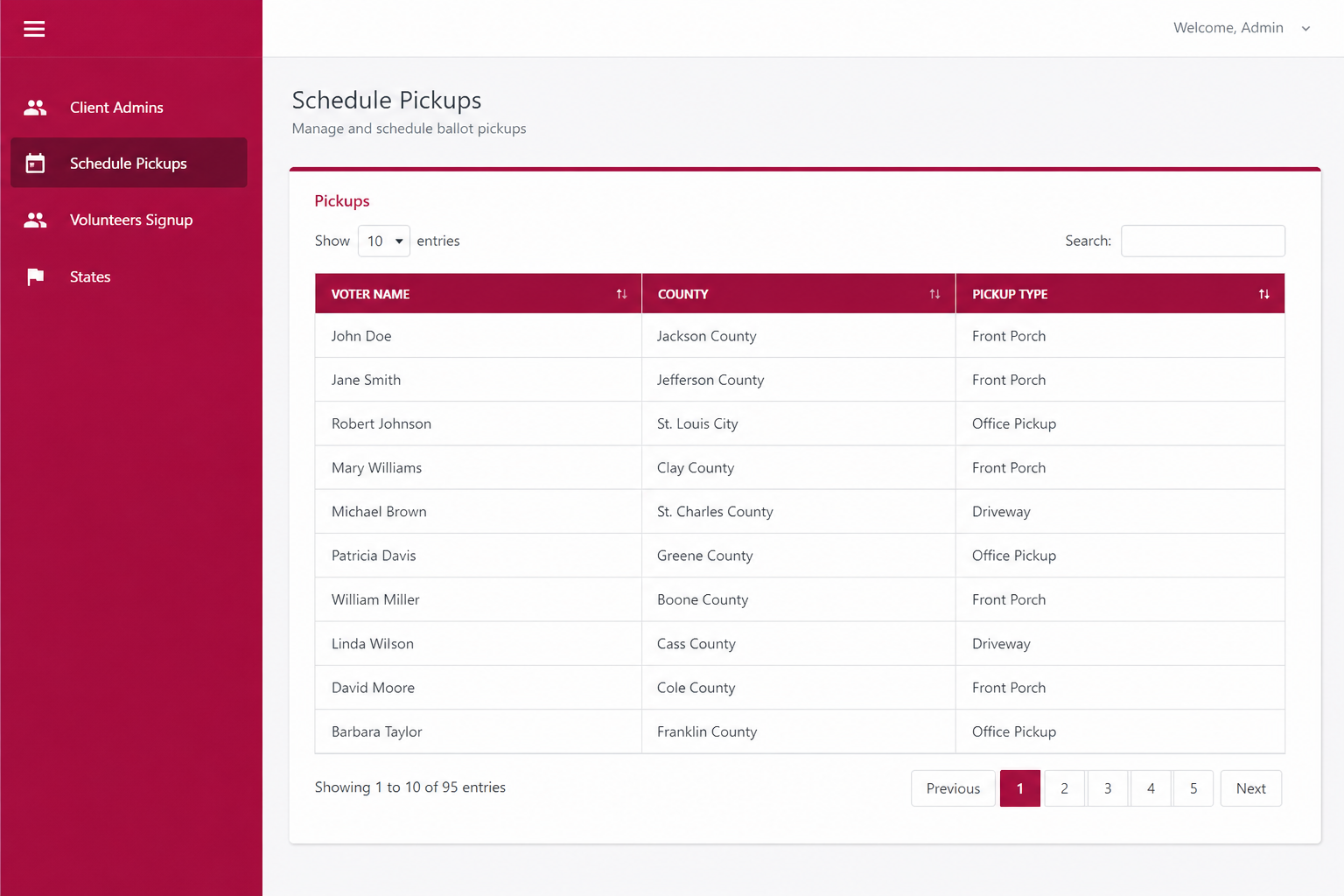
Schedule Pickups and volunteer signups appear in the admin portal with live counts.
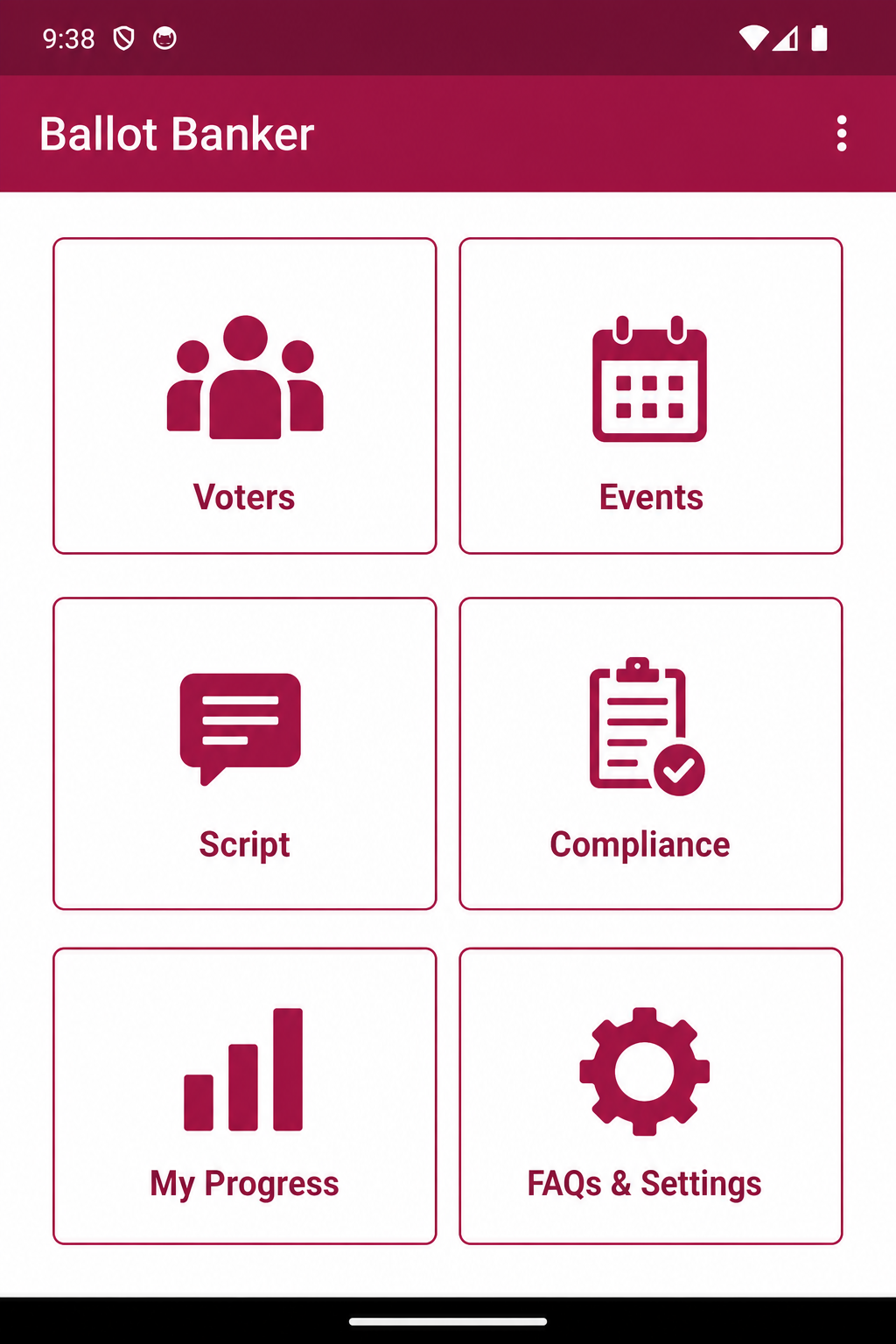
Walk lists, maps, and scripts go to the Android app so the volunteer can start the doors.
Each volunteer opens only the doors they were assigned. Progress updates as they go.
The campaign’s approved script sits in the app, so the conversation stays consistent.
County rules and reminders live next to the walk list, not in a separate binder.
A completed pickup can include a photo and a note so the admin does not have to guess.
The same request the voter submitted is the row the campaign assigns. No retyping, no lost emails.
No account required to request a pickup. Verify your email and we route the request to your county campaign.
Sign up, get a walk list, and follow the in-app script. Progress is visible to your admin.
Upload voters, assign workers, send messages, and watch pickup volume by county.
Volunteers open Voters, Events, Script, Compliance, Progress, and Chat. Pickup requests from guests land in the same campaign that owns the county.
Client admins see live pickup counts, approve volunteer signups, and keep public county and city pages in the directory.
Every pickup and volunteer signup is tied to a county. Public county pages can be switched on or off from the admin portal.
Incorporated cities and towns have the same directory pages, so a municipal campaign can send people to a named place.
Voters request, volunteers walk, campaigns assign. The app and the portal stay on the same request row.