Voter file in, turf out
Upload voters, assign them to workers, and export progress when you need a spreadsheet.
Ballot Banker is the workspace for voter files, walk lists, pickup requests, and volunteer shifts.
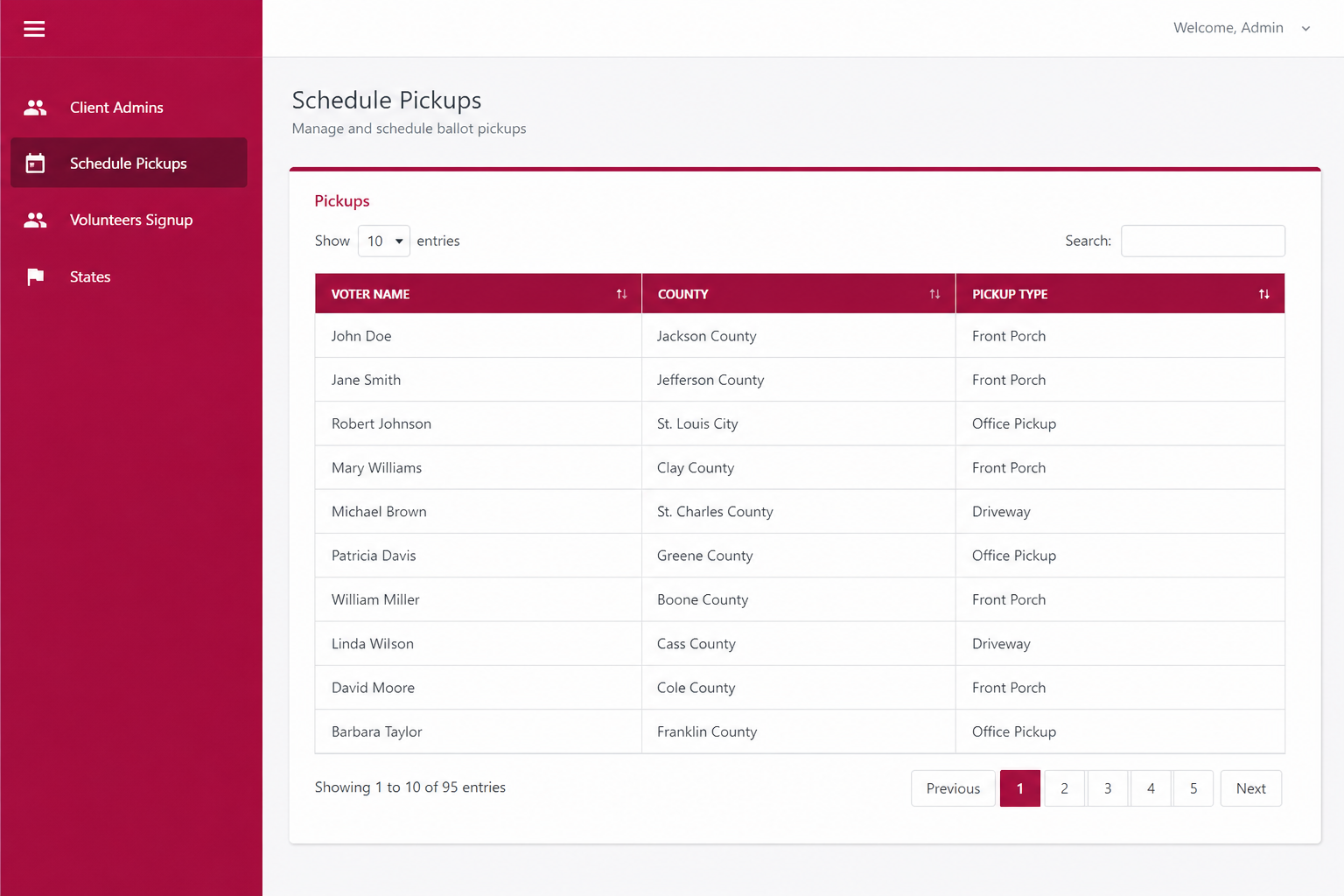
Client admins, sub-admins, and super-admins each see the slice they are allowed to run. Pickups, signups, and county pages stay in the same place.
Upload voters, assign them to workers, and export progress when you need a spreadsheet.
Absentee, early vote, and election-day pickup types are configured per campaign.
States and counties are first-class settings, so each request lands with the right team.
Incorporated cities and towns get the same templated, searchable pages as counties.
States, pickup types, FAQs, and the public county and city directory.
County workspace, sub-admins, voters, and the volunteer roster.
The Android app: walk lists, scripts, progress, and chat.
Public county and city pages can be switched on or off from the admin portal, including bulk updates by state.
Searchable, paged, and sortable in the admin portal. Filter by state, then turn pages on or off one row at a time or in bulk.
Incorporated municipal governments use the same controls, so a town page can go live without publishing every city in the state.
Public signup asks for state, county, and city so the pending worker lands with the right campaign.